> ## Content Index
> Fetch the complete content index at: https://werd.io/llms.txt
> Use this file to discover other available public pages before exploring further.
# Share Openly
- URL: https://werd.io/share-openly/
- Published: 2024-03-28T01:51:13.000Z
- Updated: 2024-03-28T01:51:13.000Z
- Author: Ben Werdmuller
- Tags: #Import 2025-06-13 09:20
You know all those “share to Facebook” / “share to Twitter” links you see all over peoples’ websites? They’re all out of date.
Social media has evolved over the last year, yet nobody has “share to” links for Mastodon, Bluesky, Threads, etc. There have been a few attempts to create “share to Mastodon” buttons, but they haven’t taken the larger breadth of the new social media landscape into account.
So I’ve built a prototype, which I’ve called [ShareOpenly](https://shareopenly.org).
At the bottom of every article on my site, you’ll see a “share to social media” button. [Here’s the button for this article.](https://shareopenly.org/share/?url=https://werd.io/2024/share-openly&text=Share+Openly)
If you click it, you’ll be taken to a page that looks like this one:
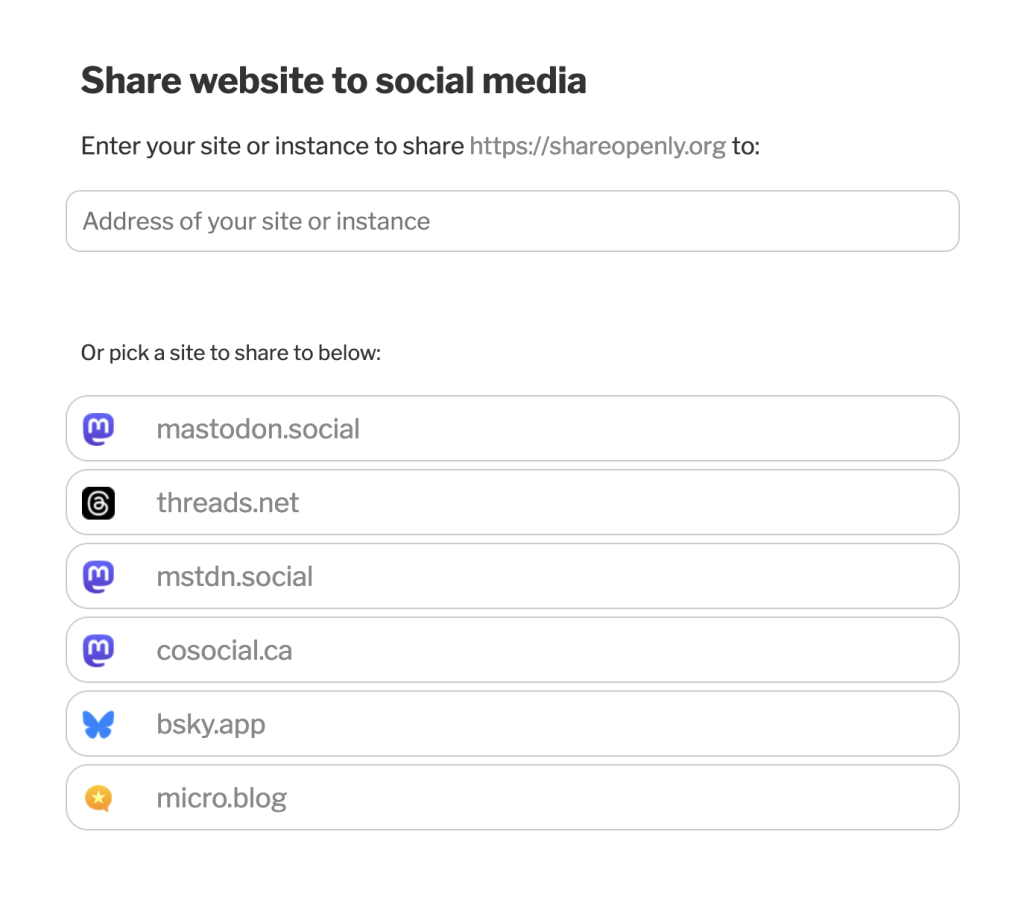
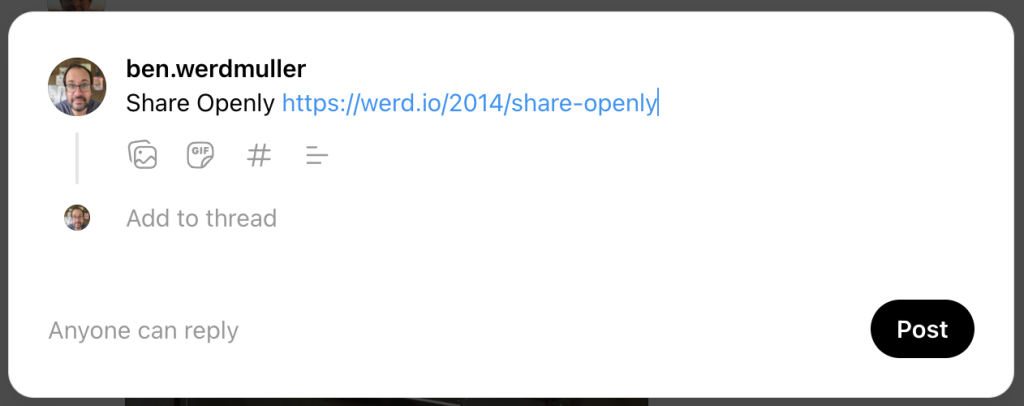
You can select one of the pre-set sites in the list, and you’ll be taken to share a post there. For example, if I click on Threads, it will take me to share there:
But if you, for example, have a Mastodon instance, or a Known site, or an [indieweb](https://indieweb.org) site at a different domain, you can enter that domain in the box, and ShareOpenly will try and find a way to let you share the page with that site.
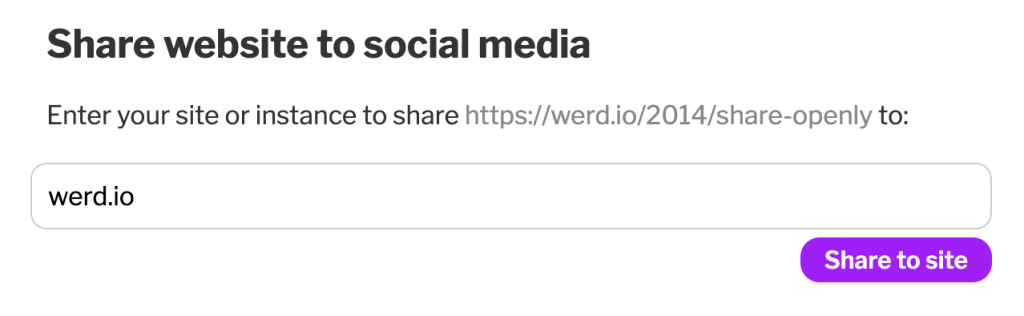
ShareOpenly will do a few things first:
1. If it’s on a “well-known” domain — eg, [facebook.com](https://facebook.com) — it’ll send you to the share page there.
2. It checks to see if it can figure out if the site is on a known platform (currently Mastodon, Known, hosted WordPress, [micro.blog](https://micro.blog), and a few others). If so — hooray! — it knows the share URL, and off you go.
3. It looks for a `` header tag on the page. The `href` attribute should be set to the share URL for the site, with template variables `{text}` and (optionally) `{url}` present where the share text and URL should go. (If `{url}` is not present, the URL to share will be appended at the end of the text.) If it’s there — yay! — we forward there, replacing `{text}` and `{url}` as appropriate.
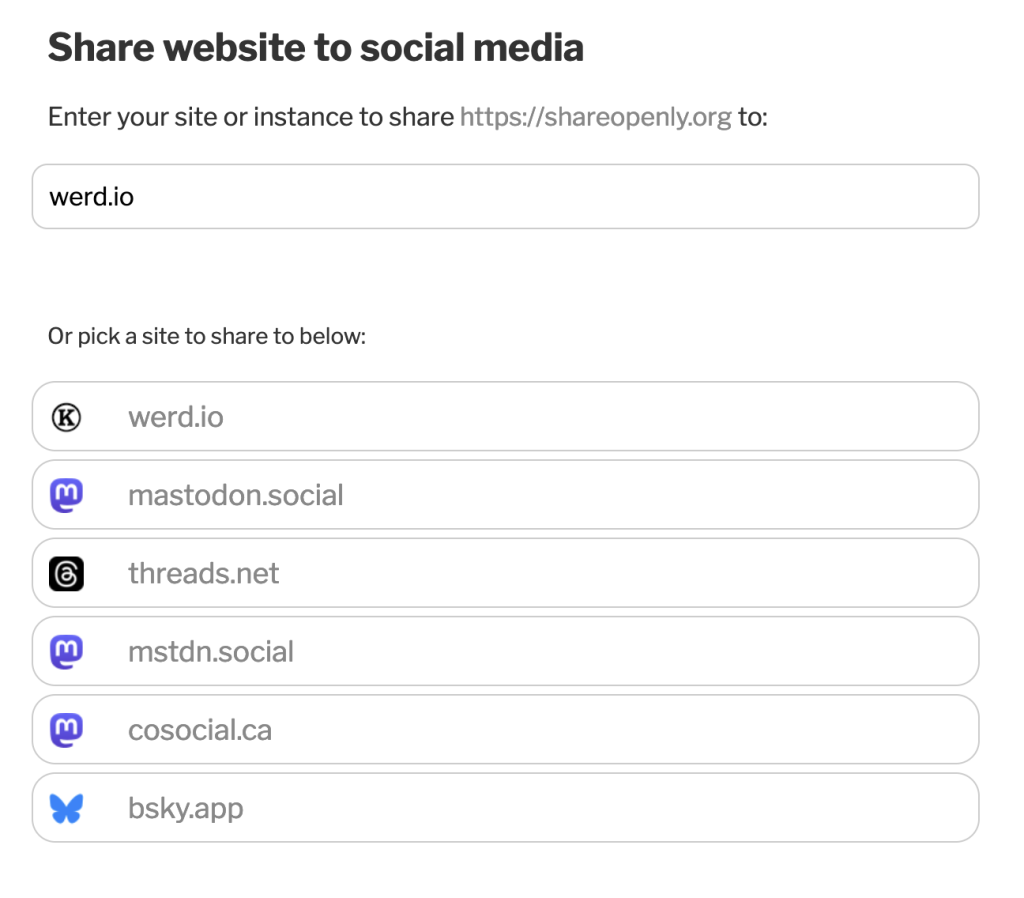
Once you’ve shared to a site, the next time you visit ShareOpenly, it will be in the quick links. For example, I shared to my site at [werd.io](https://werd.io/) in the example above, and now here it is in the links:
It’s early days yet — this is just a prototype — but I thought I’d share what I’ve built so far.
If you want to add ShareOpenly to your own site, please do! Just replace the URL and test in this link - `` \- with your own. You can also just visit [the ShareOpenly homepage](https://shareopenly.org) to share a site directly.
[*Syndicated to Indienews*](https://news.indieweb.org/en)